Vtm is a text-based application that introduces a new class of Hybrid TUI (HTUI) software, offering a unified experience within a single executable file, whether running in a native graphical window or any standard text console. It can wrap any console application and be nested indefinitely, forming a text-based desktop environment, bridging the gap between traditional TUI and GUI.
| Feature | Benefit |
|---|---|
| Hybrid TUI (HTUI) | Run the same application seamlessly in both dedicated GUI windows and standard terminals. (GUI mode is available on Windows only for now) |
| Advanced Input | Track all key events, high-resolution mouse movement and window states. |
| VT2D Technology | Scaling and transformation of individual characters or their parts at the cell level. |
| DirectVT I/O | Ability to fully binary serialize/deserialize user input and own visual state through duplex channels (sockets, pipes, SSH-tunnels, TCP-connections, etc.). |
| Desktop Mode | A borderless workspace that allows infinite panning in all directions. |
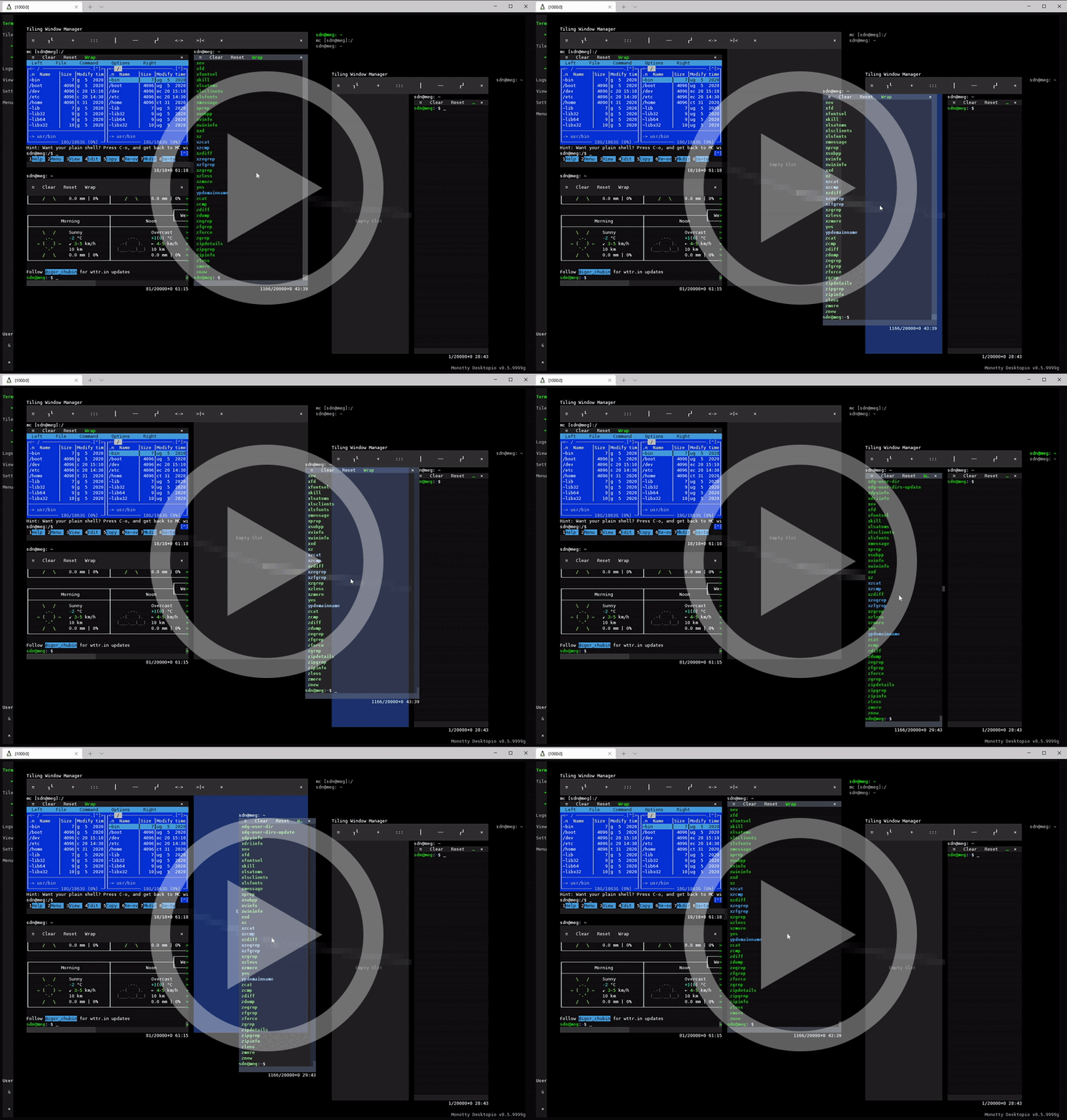
| Tiling Window Manager | Vtm in desktop mode includes a built-in Tiling Window Manager for organizing the workspace into non-overlapping panels with Drag & Drop support. |
| Multi-User Sessions | Share vtm desktop over a LAN (using inetd, netcat, or SSH). |
| Scripting & UI | Use the full power of DynamicXML+Lua for customize reactive UI (similar to WPF or web apps). |
| Terminal Mode | A standalone terminal emulator as a wrapper for any console applications for seamless integration with the text-based desktop. |
| Horizontal Scrolling | Support for displaying simultaneously wrapped and non-wrapped text runs in the terminal with horizontal scrolling. |
| Windows Console Server | In-process Windows Console Server own implementation on Windows and independence from conhost.exe. |
Run vtm to start the desktop environment.
Run vtm -r term [<your_shell>] to use vtm as a full-fledged standalone terminal emulator.
Accessing vtm via SSH with auto-DirectVT mode outperforms the classic connection:
vtm ssh user@host vtmCheck Out VT2D Power (Windows only for now):
vtm --run testHybrid TUI app examples (just concepts):
vtm --run calc
vtm --run text
vtm --run gems- Windows
- Windows 8.1 and later (including Windows Server Core and Windows PE)
- Unix-like
- Linux
- macOS
- FreeBSD
- NetBSD
- OpenBSD
...
Currently, rendering into a native GUI window is only available on the Windows platform; on Unix-like platforms, a terminal emulator is required.


