[Animation] Replicate Animation
by Song
CAReplicatorLayer는 sublayer를 지정된 count만큼 복제하여 채운다
- instanceCount: 반복 개수 설정
- instanceTransform: 반복 변화 값 설정
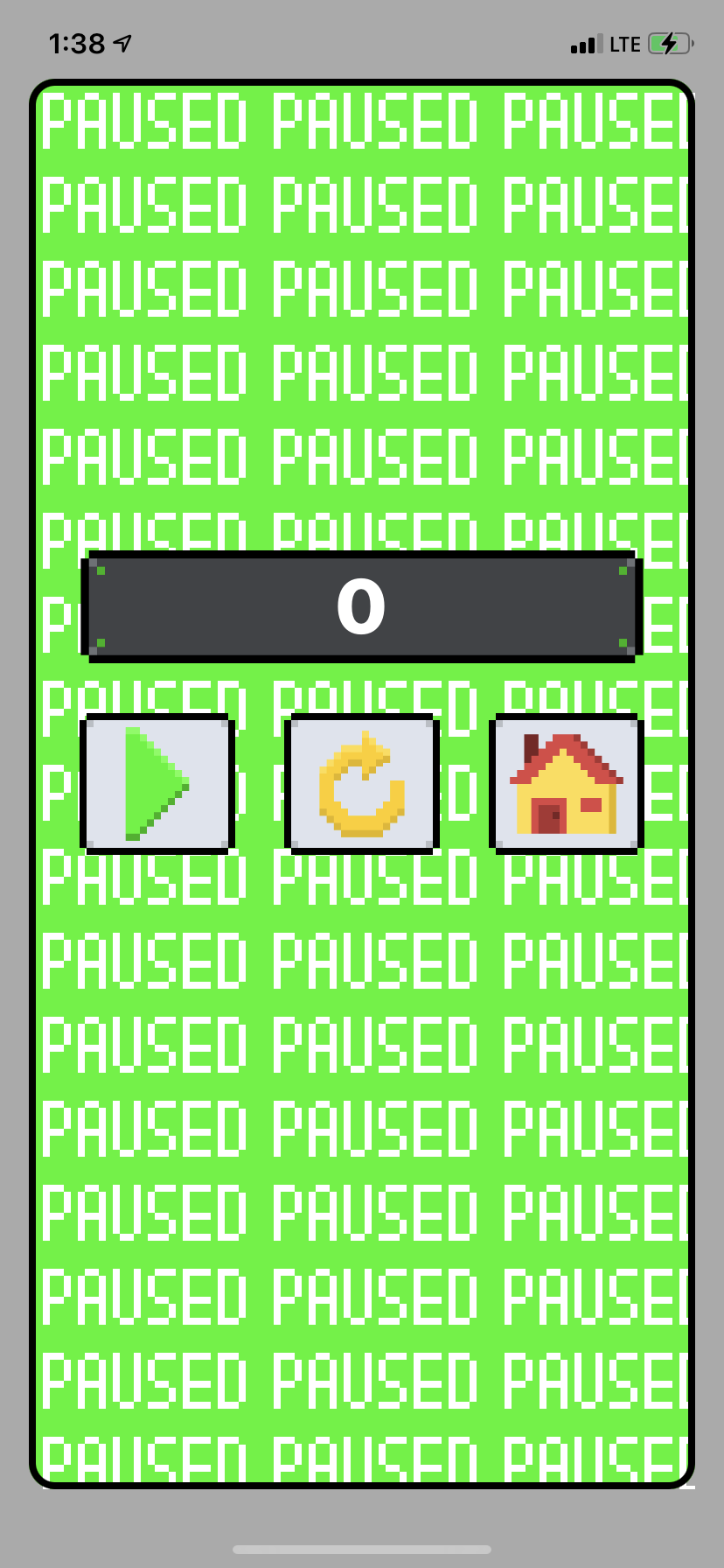
- 가로 방향의 ReplicatorLayer 생성,
PAUSED텍스트 이미지를 sub로 추가하여 반복.
let horizontalCountInFloat = frame.width / imageSize.width + 1
horizontalReplicatorLayer.instanceCount = Int(horizontalCountInFloat)
horizontalReplicatorLayer.instanceTransform = CATransform3DMakeTranslation(imageSize.width, 0, 0)
horizontalReplicatorLayer.addSublayer(imageLayer)- 세로 방향의 ReplicatorLayer엔 가로 ReplicatorLayer를 sub로 추가하여 반복.
let verticalCountInFloat = frame.height / imageSize.height + 1
verticalReplicatorLayer.instanceCount = Int(verticalCountInFloat)
verticalReplicatorLayer.instanceTransform = CATransform3DMakeTranslation(0, imageSize.height, 0)
verticalReplicatorLayer.addSublayer(horizontalReplicatorLayer)
결과
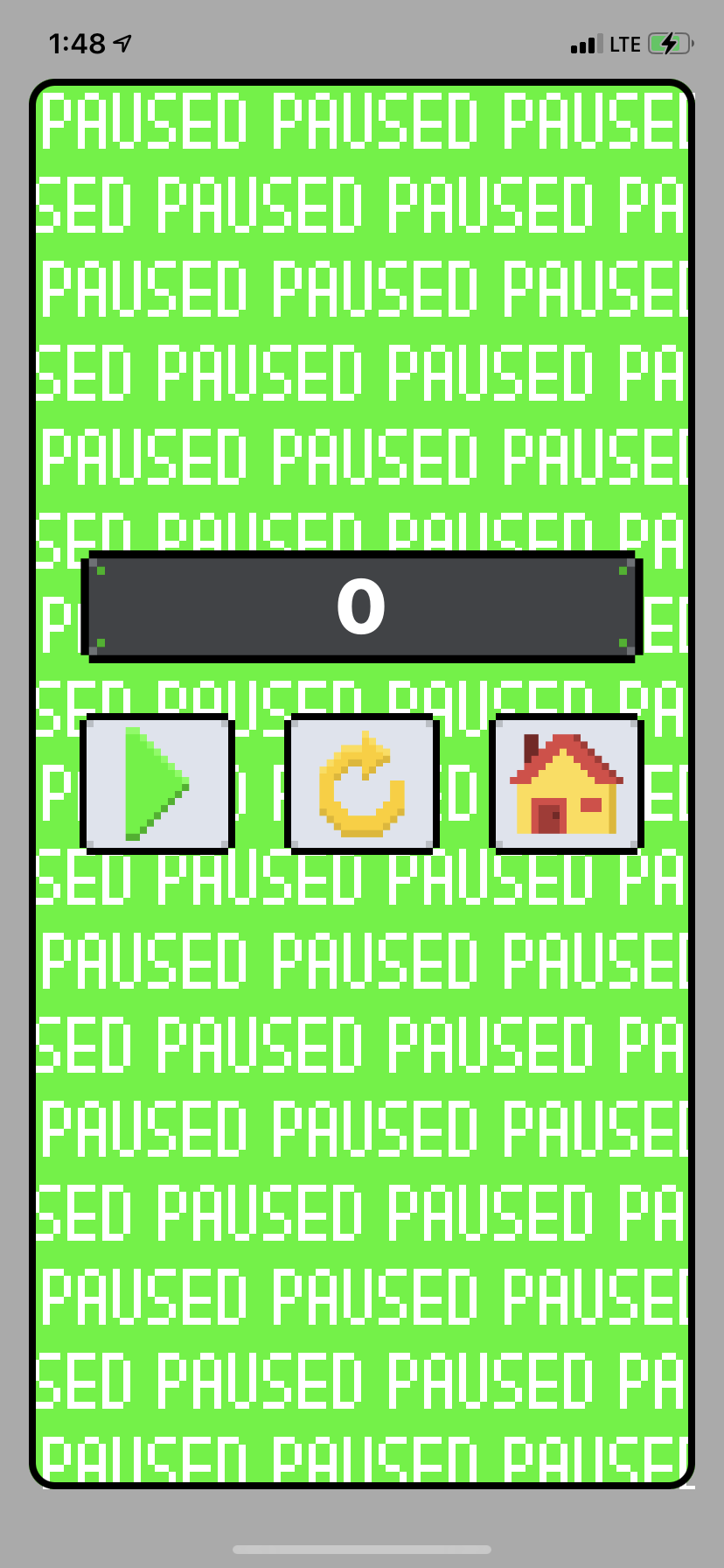
- 짝수와 홀수 줄을 그리는 ReplicatorLayer를 각각 생성
- horizontalReplicatorLayer의 origin을 다르게 지정하여 반복시킴
- Row를 enum 타입으로 생성, 이후 짝/홀이 아닌 다른 패턴의 반복으로 수정이 용이하도록 작성
enum Row: CaseIterable {
    case even
    case odd

    func origin(imageSize: CGSize) -> CGPoint {
        switch self {
        case .even:
            return CGPoint(x: 0, y: 0)
        case .odd:
            return CGPoint(x: imageSize.width/2 * -1, y: imageSize.height)
        }
    }
}-
CaseIterable을 채택하여 손쉽게 사용
Row.allCases.forEach { replicates(for: $0) }결과
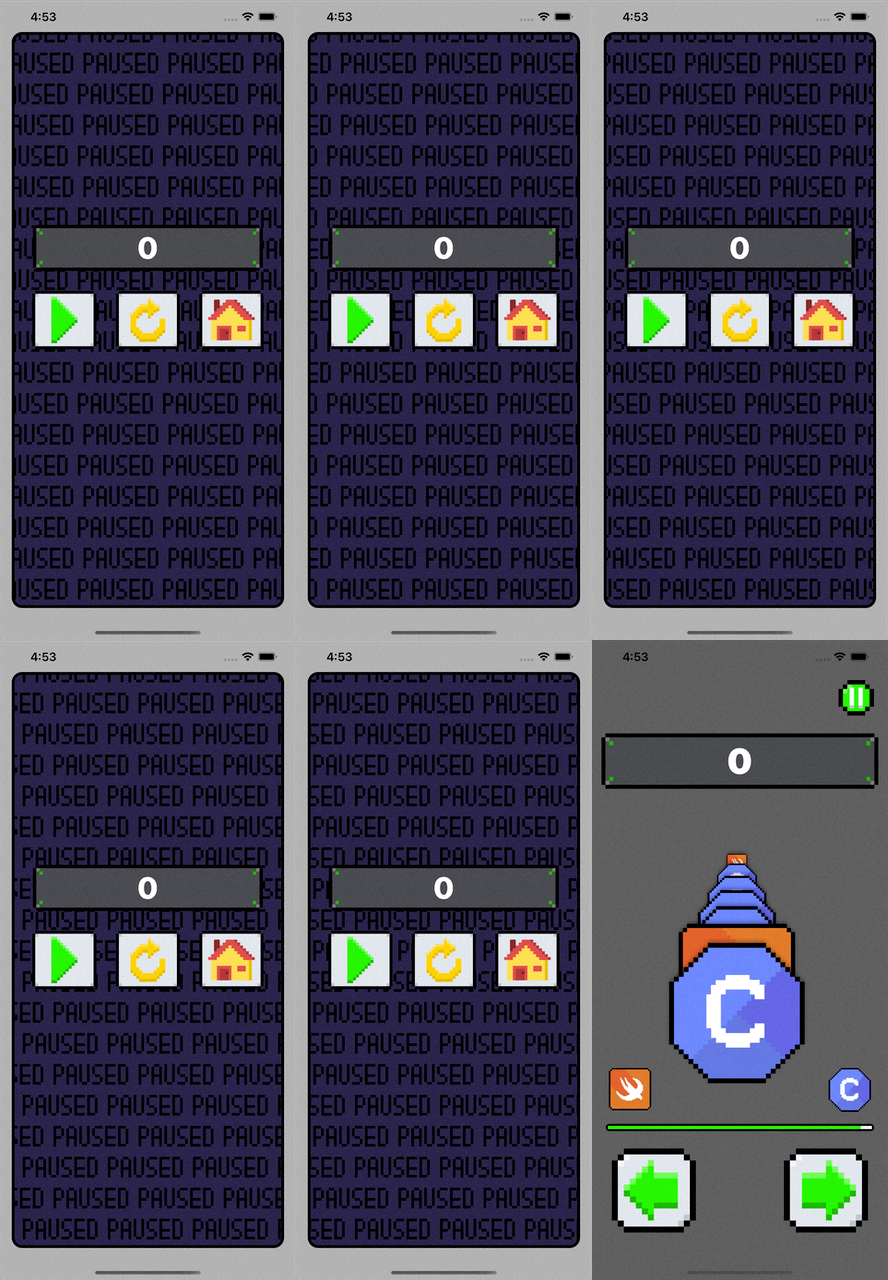
- 이미지 애니메이션 더하는 메소드의 인자로 Row를 전달
- 짝수와 홀수일 때 진행 방향을 반대로 설정
-
imageSize.width만큼 무한히 움직이도록 설정하여 연결 동작처럼 보이도록 함
let originalPosition = imageLayer.position
let finalPosition = CGPoint(x: originalPosition.x - imageSize.width, y: originalPosition.y)
animation.fromValue = row == .even ? originalPosition : finalPosition
animation.toValue = row == .even ? finalPosition : originalPosition
animation.repeatCount = .infinity
결과
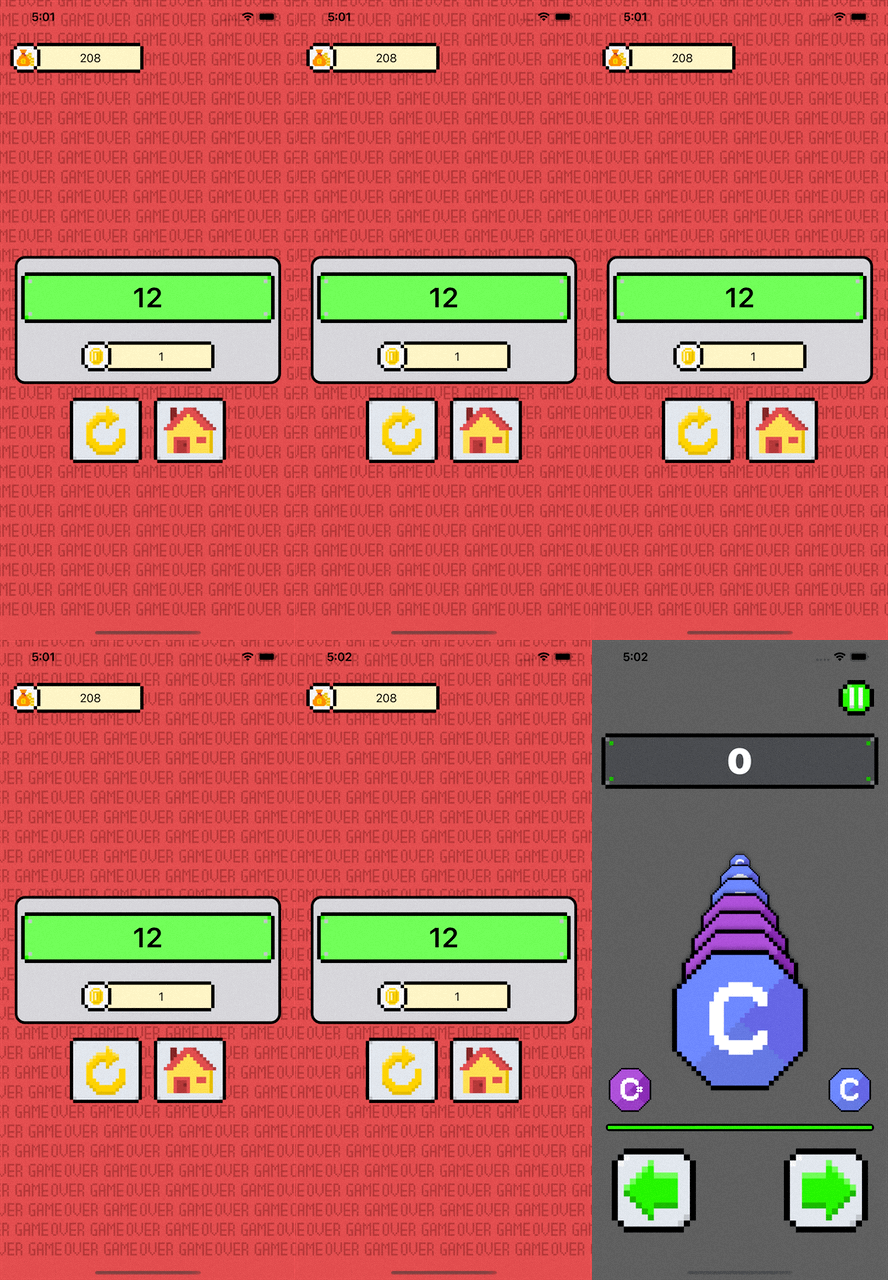
- 일시정지 화면, 게임오버 화면 등에서 반복적으로 사용되는 애니메이션
- ReplicateAnimationView 클래스 공통 사용, 설정하는 이미지와 한 줄 당 이미지 개수를 메소드 파라미터로 두어 재사용 용이하도록 함
- Image enum 구축 (ReplicateAnimationView name space)
enum Image {
    case paused
    case gameover

    var name: String {
        switch self {
        case .paused:
            return "text_paused"
        case .gameover:
            return "text_gameover"
        }
    }
}- GameOverViewController에서 간단히 호출
backgroundView.draw(withImage: .gameover, countPerLine: 3.8)결과