A demonstration of a custom content publishing workflow using Sanity.
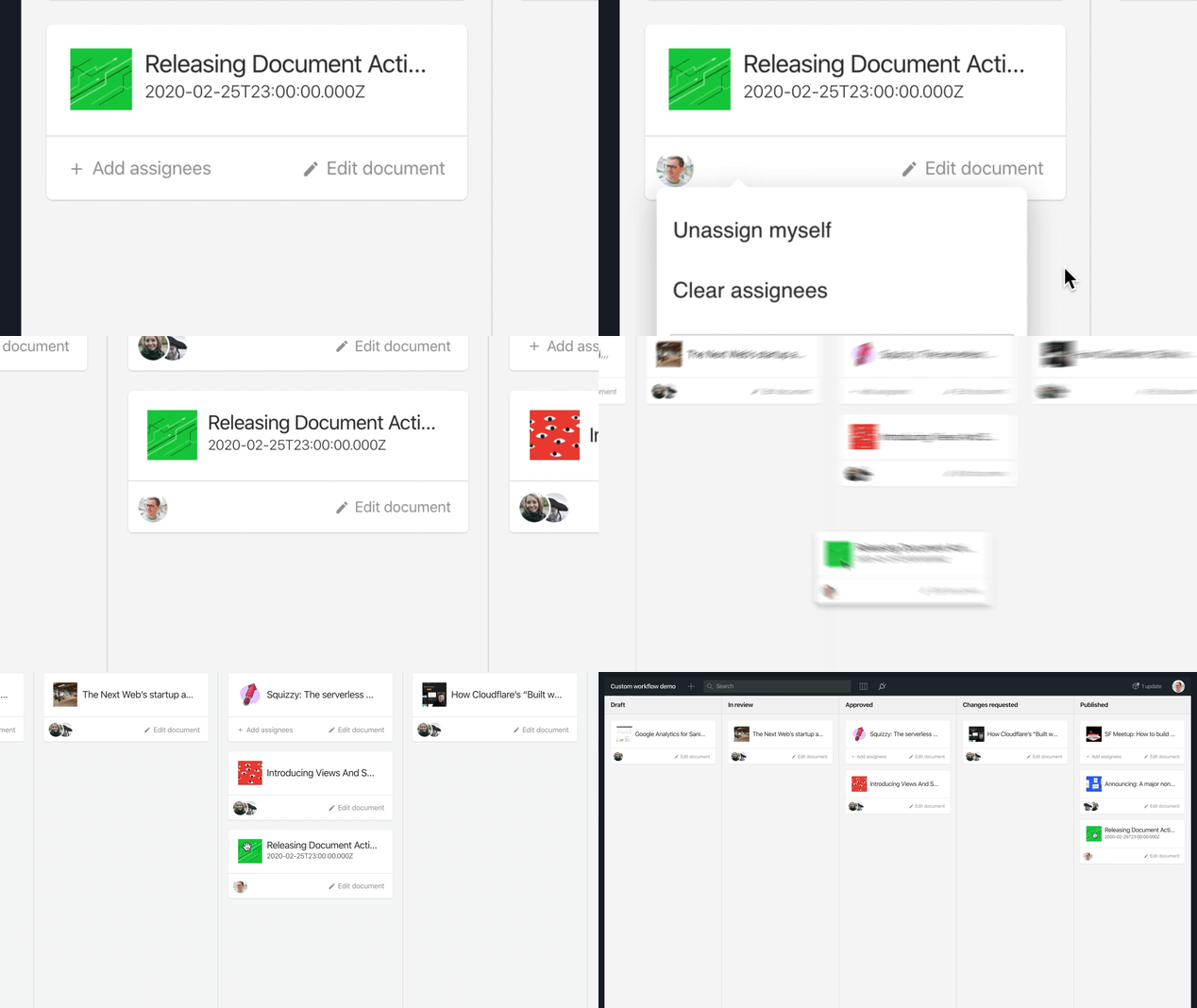
Read blog post: “Document Actions: Workflows, Your Way”
The purpose of this repository is to provide an example of how to go about creating a custom publishing workflow environment using Sanity Studio. This is a demo and will not be maintained.
NOTE: Some of the code in this demo uses internal APIs that may change in the future. If you use this code as a starting point, and experience missing functionality, please review the changelog in this project. We recommend keeping a reference to this repo’s GitHub URL.
Push this link or the Use this template button, and follow the instructions below.
git clone git@github.com:<your-username>/demo-custom-workflow.git my-sanity-studio
cd my-sanity-studio
# customize README.md
# customize package.json
# then
sanity init
# Say “Yes” to reconfigure the studio and follow the instructionsEdit the schema files in app/schema to create the content models you need in your project. Visit the content modelling documentation to learn about custom schemas.
Once you have created the document types you need in your project, the next step is to add the custom document types to the workflow types configuration array in app/config/workflow.js.
This Sanity Studio project is run in the same manner as standard Sanity Studio projects:
npm startIf you want to deploy this Studio to a public URL so that editors can join your project, you may use the default Sanity hosting:
sanity deployJoin our Slack community: https://slack.sanity.io/
The Sanity Studio customization code is mainly stored in the app directory.
The files in the app/components directory is a collection of custom React components used to render a KANBAN board, user selection inputs, workflow publishing buttons and so on.
The app/config/workflow.js file is used to configure which document types to include in the custom workflow and the possible workflow states.
The default states are:
DraftIn reviewRequire changesAcceptedPublished
If you need other workflow states than the ones provided in this demo, you may rename and customize the contents of the states array. Keep in mind that it will require you to also change the logic in the document actions.
This demo is made to showcase Sanity’s Document actions API. This API enables the customization of the buttons in the footer drawer of the document editing environment in the Sanity Studio.
In app/documentActions/index.js you’ll find the document actions resolver function, and the custom actions used for the workflow implementation are placed in the app/documentActions/workflow directory.
If you want to disable the custom document actions, then remove the document action resolver configuration from the parts array in sanity.json:
  "parts": [
    {
      "implements": "part:@sanity/base/document-actions/resolver",
      "path": "app/documentActions"
    }
]The Document badges API is related to the document actions, and is a way to customize the document status badges in the editing environment.
  "parts": [
    {
      "implements": "part:@sanity/base/document-badges/resolver",
      "path": "app/documentBadges"
    }
  ]
If you want to disable the custom document badges, then remove the document badge resolver configuration from the parts array in sanity.json:
This demo application requires some functionality that is not provided by the Sanity Studio out of the box.
app/lib/document
React hooks and observables that are used to subscribe to real-time updates on workflow documents in this demo.app/lib/projectReact hooks and observables that are used to subscribe to real-time updates on the Sanity project – mainly which users are part of the project.app/lib/routerThe router provider is used to give easier access to the Sanity router context value, and for creating internal links more easily.app/lib/userReact hooks used to stream user info and lists of user IDs that are used in this demo.app/utilsUtility functions.app/workflowReact hooks that make it easier to work with the workflow metadata documents.
The schema definitions used in this demo.
  "parts": [
    {
      "name": "part:@sanity/base/schema",
      "path": "app/schema"
    }
]Scripts used while developing this demo.
The Structure configuration used in this demo.
  "parts": [
    {
      "name": "part:@sanity/desk-tool/structure",
      "path": "app/structure"
    }
]The app/tools/board.js is the root configuration for the KANBAN tool in this demo. It is referenced in the sanity.json configuration file:
  "parts": [
    {
      "implements": "part:@sanity/base/tool",
      "path": "app/tools/board"
    }
]git clone git@github.com:sanity-io/demo-custom-workflow.git
cd demo-custom-workflow
npm install
# Start the development server
npm start